MyHUD β€” custom CS2 HUD and broadcast software for casters and streamers.

MyHUD is Counter-Strike 2 broadcast software: a fully customizable HUD, Smart Observer, broadcast scenes, map veto, minimap and sponsors β€” everything a caster, streamer or tournament organizer needs to run a professional CS2 broadcast.

2,500+active broadcasts
Procasters & TOs
48hfree trial
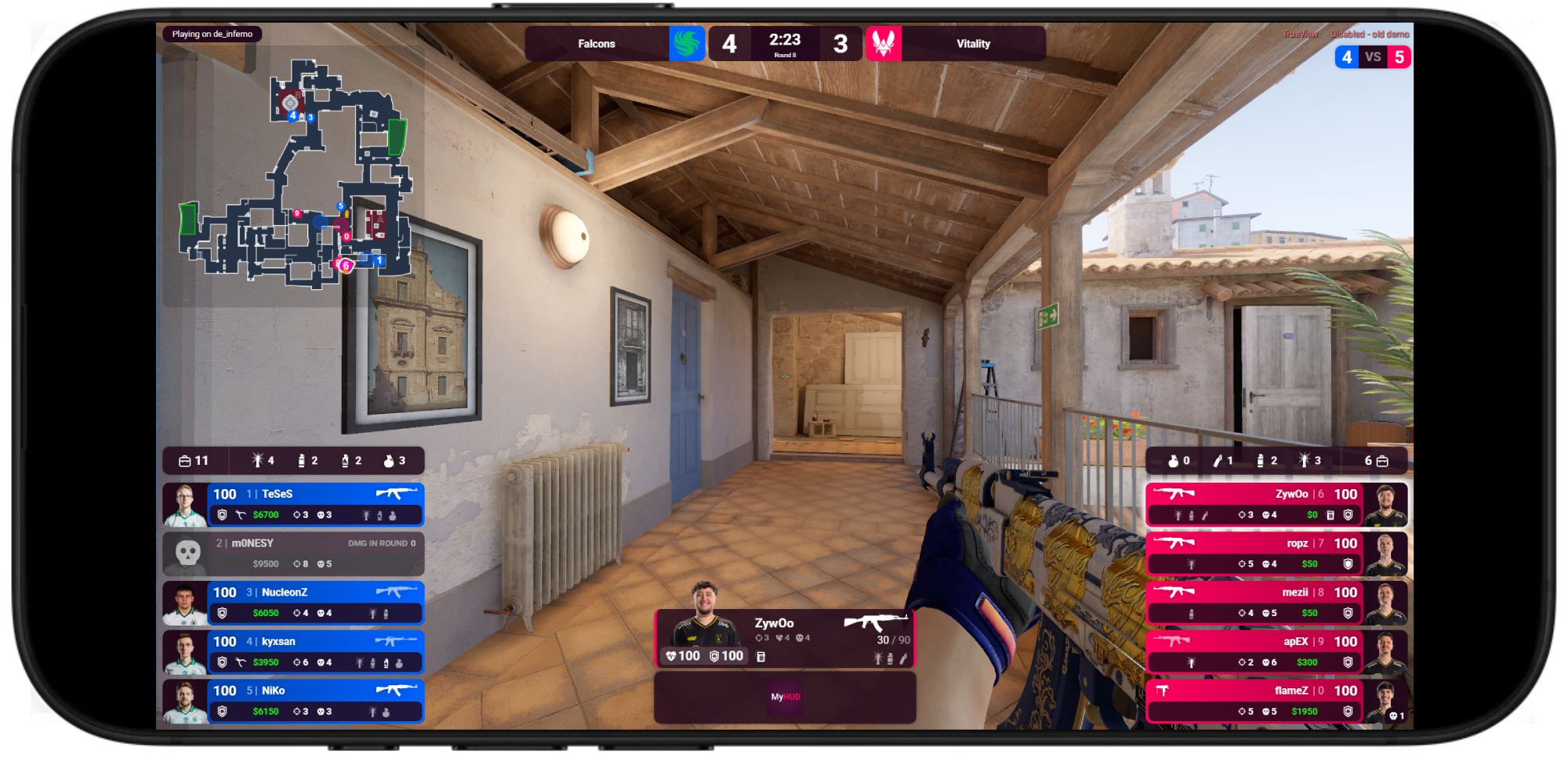
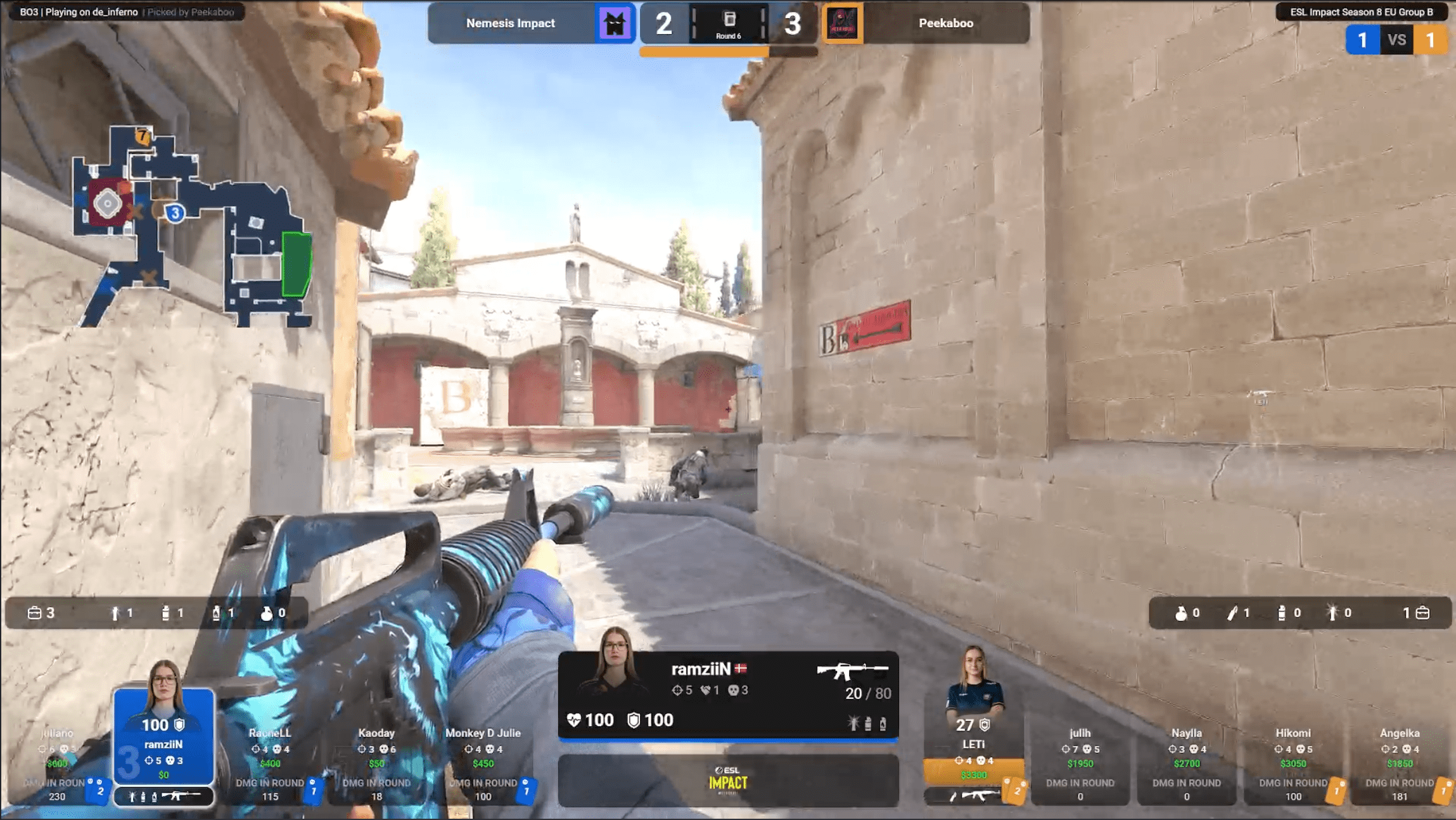
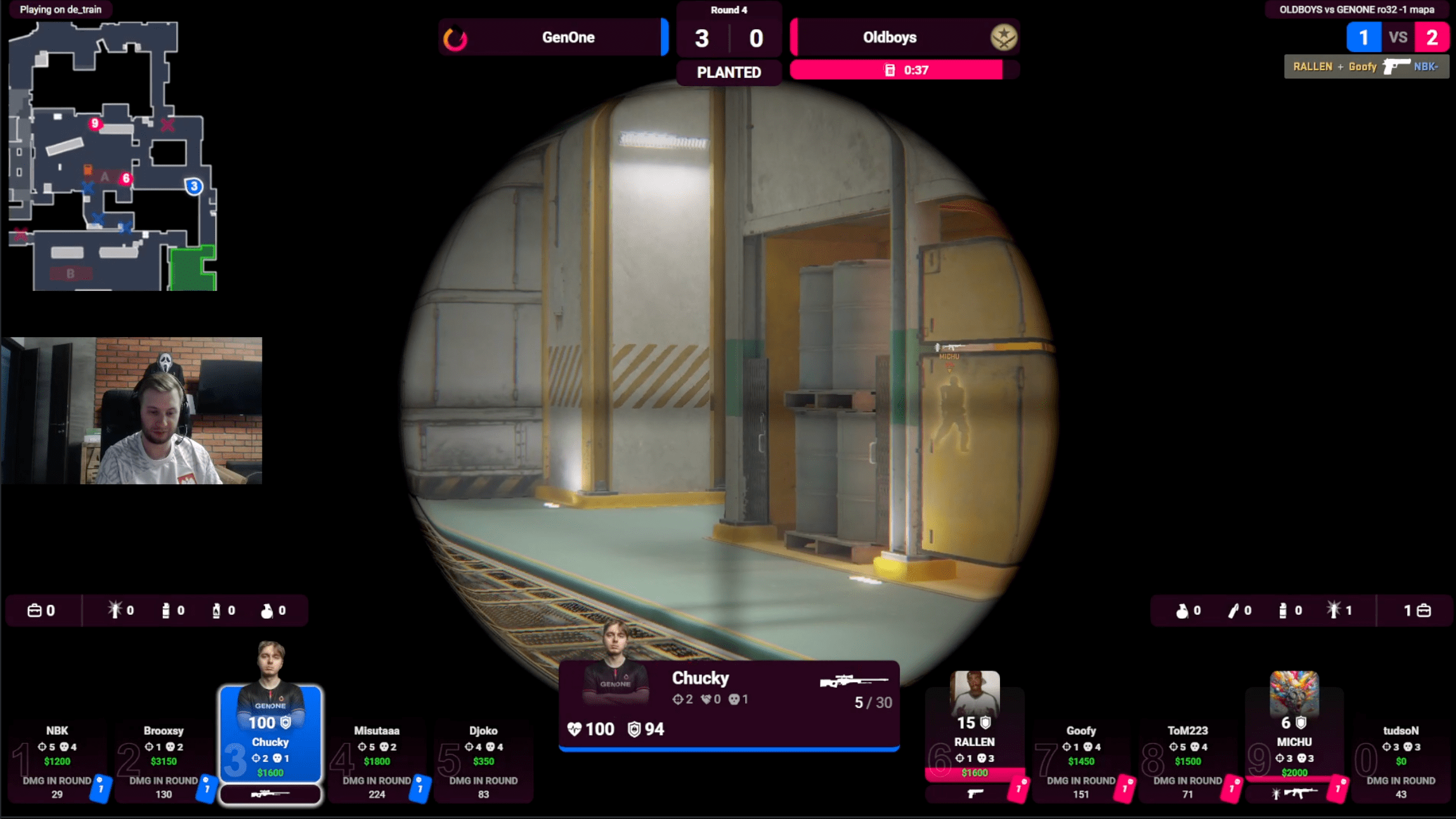
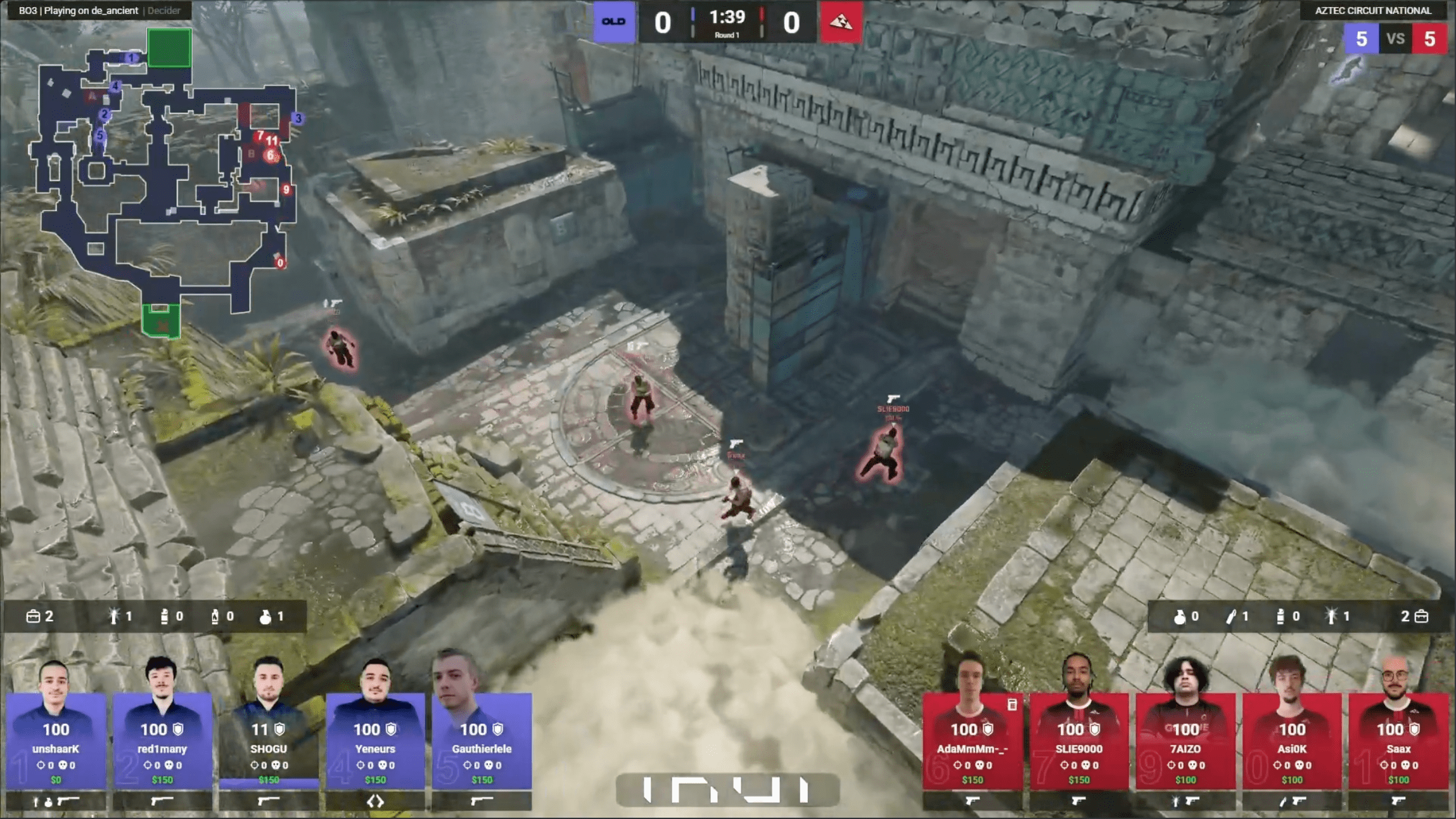
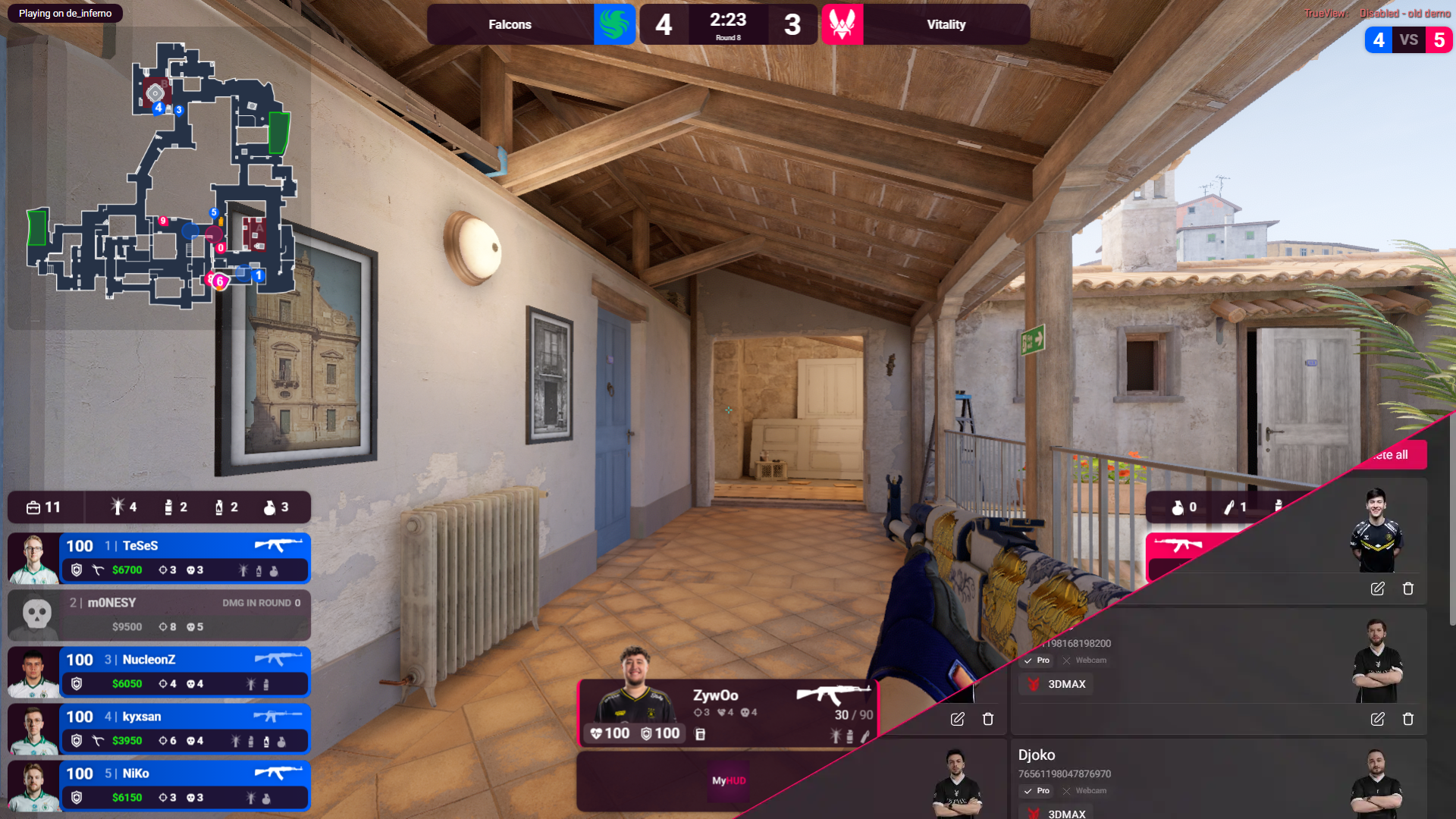
MyHUD custom CS2 HUD overlay on a Counter-Strike 2 broadcast

Broadcast software with every tool a caster needs.

Layouts, colors, match setup, sponsors, minimap, HLAE β€” the whole observer toolkit in one app you'll master in an afternoon, not a weekend.

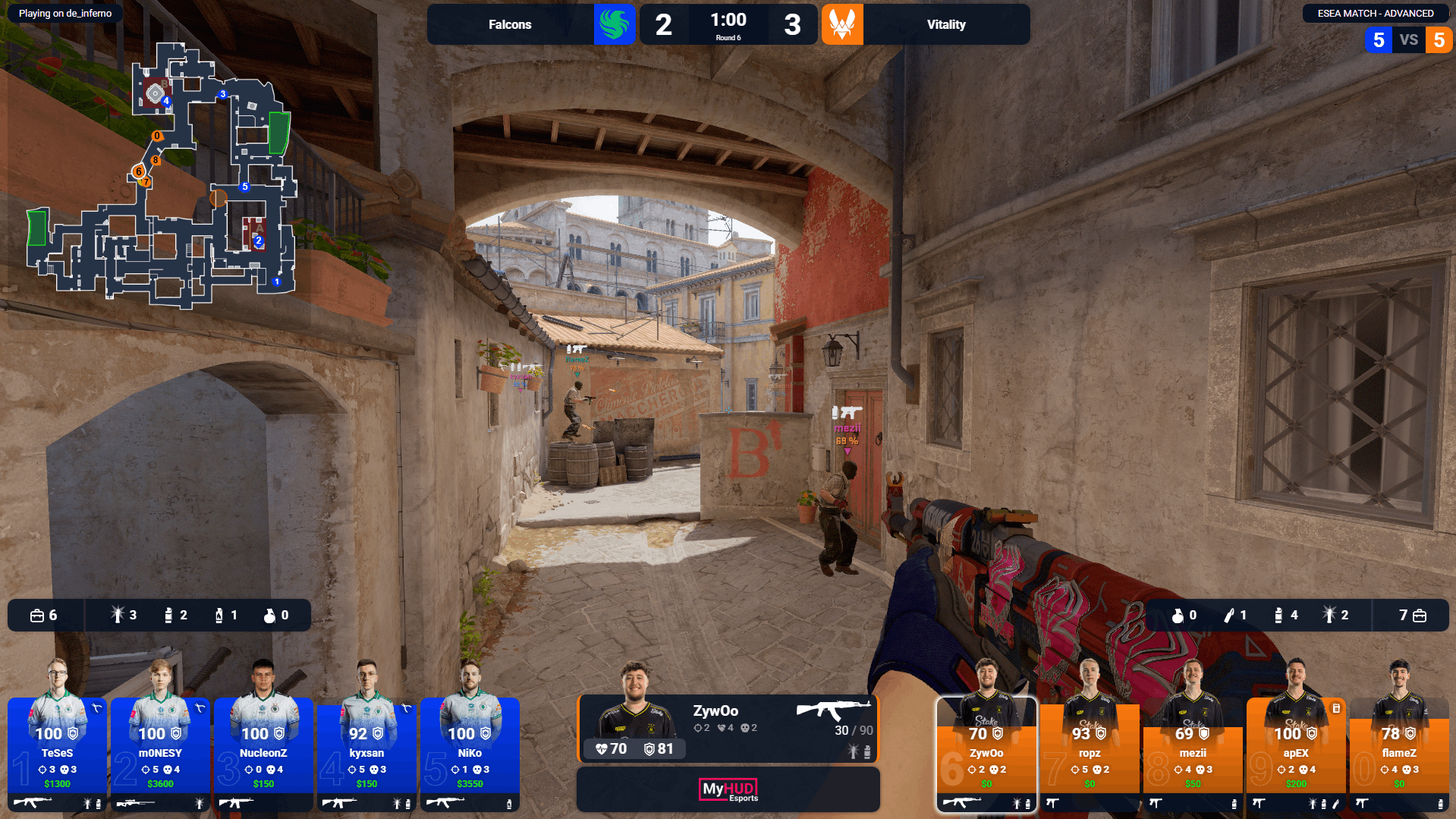
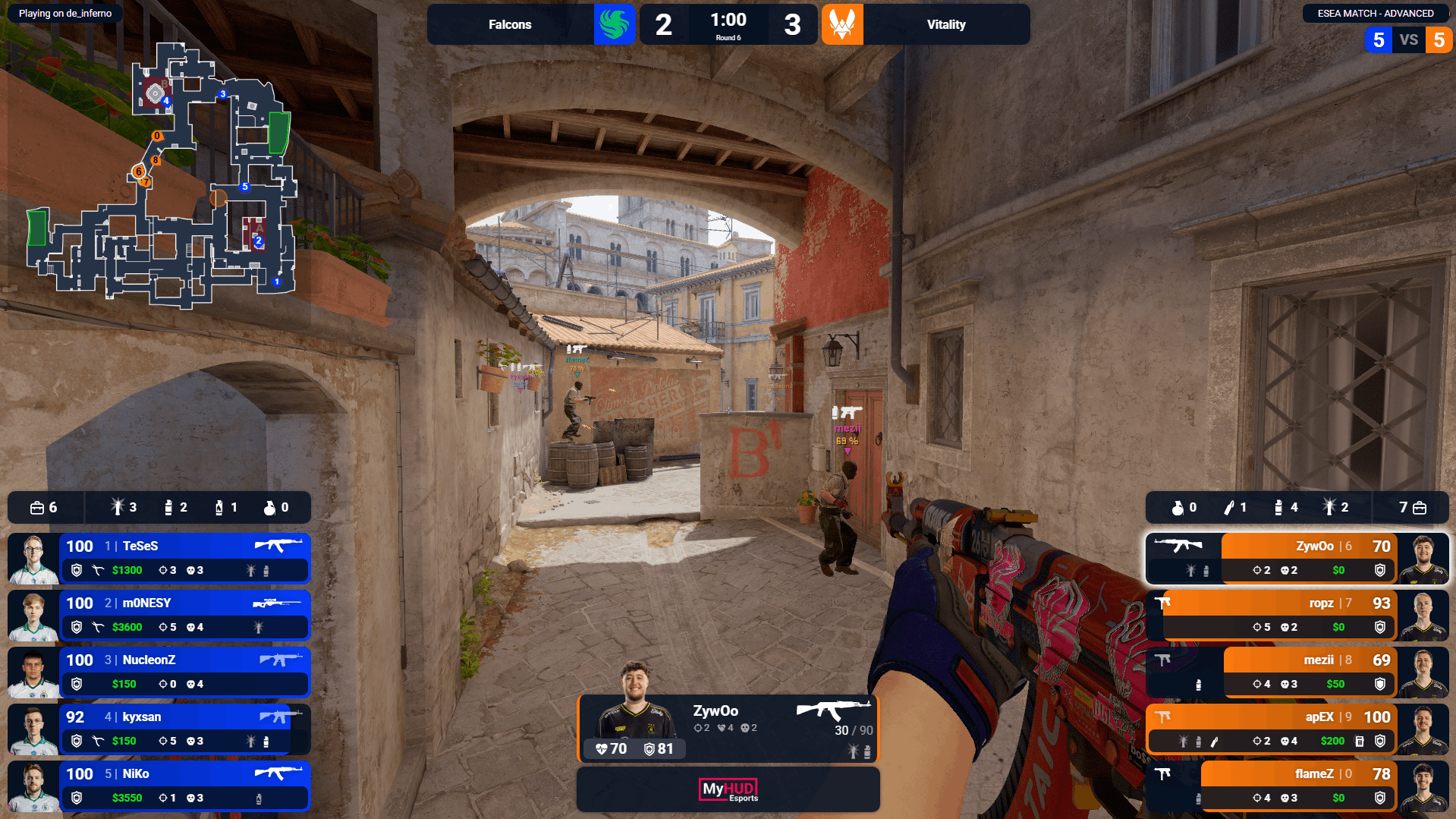
MyHUD CS2 HUD in horizontal layoutMyHUD CS2 HUD in vertical layout

Horizontal or vertical, your call

Switch the HUD between a clean wide layout and a stacked vertical view in one click. Spread stats across the top for a casting feel, or hug the sides to keep the action front and center.

  • Live preview in the desktop app
  • Per-event layout presets
  • Optimized for 1080p & 1440p streams

Colors tuned to your brand

Tweak CTs, Ts, accents, backgrounds β€” or pick from our curated presets in seconds. Match your team kit, sponsor colors, or stream identity without ever opening a graphics tool.

  • Unlimited custom palettes
  • Presets crafted by pro casters
  • Save & share looks across configs

Map vetos, on autopilot

Set the veto sequence once β€” picks, bans, decider, side choice β€” and MyHUD pushes it live with a dedicated veto overlay. No more typing map names in the heat of the moment.

  • Auto-filled pick / ban flow
  • Dedicated veto broadcast overlay
  • BO1 / BO3 / BO5 ready, with side selection

Sponsors that show up on time

Upload your sponsors, set the rotation, and let MyHUD handle the display. Add, remove, or reorder them on the fly β€” perfect for tournaments and recurring partnerships.

  • Automatic logo rotation
  • Per-event sponsor sets
  • Always sharp on stream

Live minimap, built in

A full map view with real-time positions and game state β€” perfect for casters reading the round. Resize it, toggle the background, and place it exactly where your overlay needs it.

  • Live player positions
  • Configurable size & opacity
  • All competitive maps supported

Smart Observer

MyHUD analyzes the live GSI feed in real time, detects what matters β€” clutch setups, retakes, multi-frags, low-HP heroes β€” and switches your POV to the right player. Automatically.

  1. 01

    Auto-switch mode

    MyHUD presses the keys in CS2 for you. Sit back and observe.

  2. 02

    Suggest mode

    MyHUD highlights the player to watch β€” you stay in control of the camera.

  3. 03

    Cinematic freezetime

    Two scripted cinematic angles each freezetime, on the 7 competitive maps.
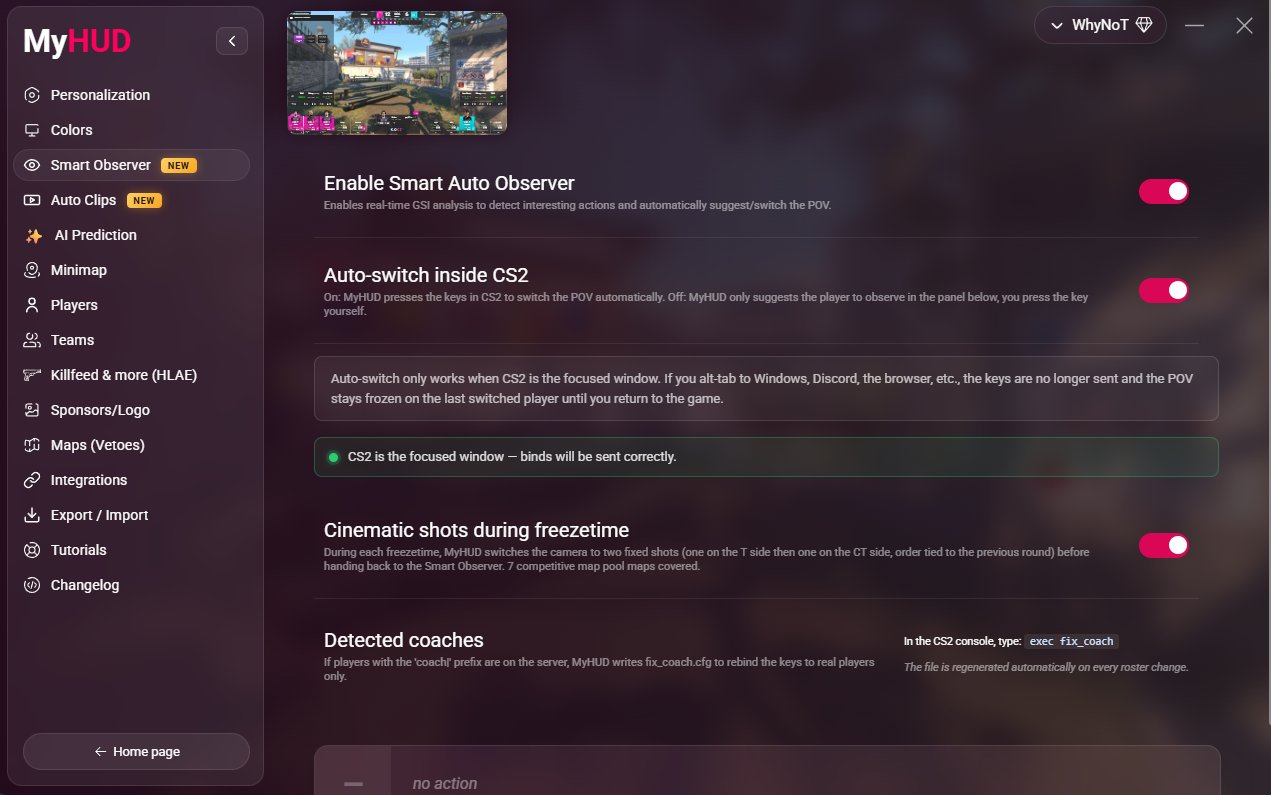
MyHUD Smart Observer panel auto-switching the CS2 spectator camera

Download MyHUD.
Go live in minutes.

Install MyHUD, drop the browser source into OBS, and you're live in under five minutes. Free 48-hour trial, no card required.

Download MyHUD
Latest v2.12.0
Released October 11, 2026
ForWindows Β· 64-bit
A hand holding a phone showing a CS2 broadcast with the MyHUD overlay
Pricing

Choose your plan

Try everything free for 48h, then pick what fits your season

48 Hour Trial

Free

Every Premium feature, no credit card

  • βœ“ All Premium features for 48h
  • βœ“ No credit card required
  • βœ“ Keep your setup when you subscribe
  • βœ“ Windows Β· 64-bit
Most Popular

Premium

9.99€ / month

No commitment, cancel anytime

  • βœ“ Smart Observer: auto camera & cinematic freezetime
  • βœ“ AI round prediction
  • βœ“ Auto clips of your best plays
  • βœ“ Map vetos & match management
  • βœ“ Scenes, sponsors & brand colors
  • βœ“ Live minimap & HLAE killfeed
  • βœ“ API & webhooks
  • βœ“ One computer, support within 24h
Already have an account? Subscribe online

Business

Contact Us

For teams & organizations

  • βœ“ Everything in Premium
  • βœ“ Multi-license access
  • βœ“ Priority support (12h)
  • βœ“ Custom branding
  • βœ“ Dedicated account manager

Prices include VAT Β· Cancel anytime from your account Β· Secure payment by Stripe

Trusted by the best

See how professionals use MyHUD to elevate their broadcasts

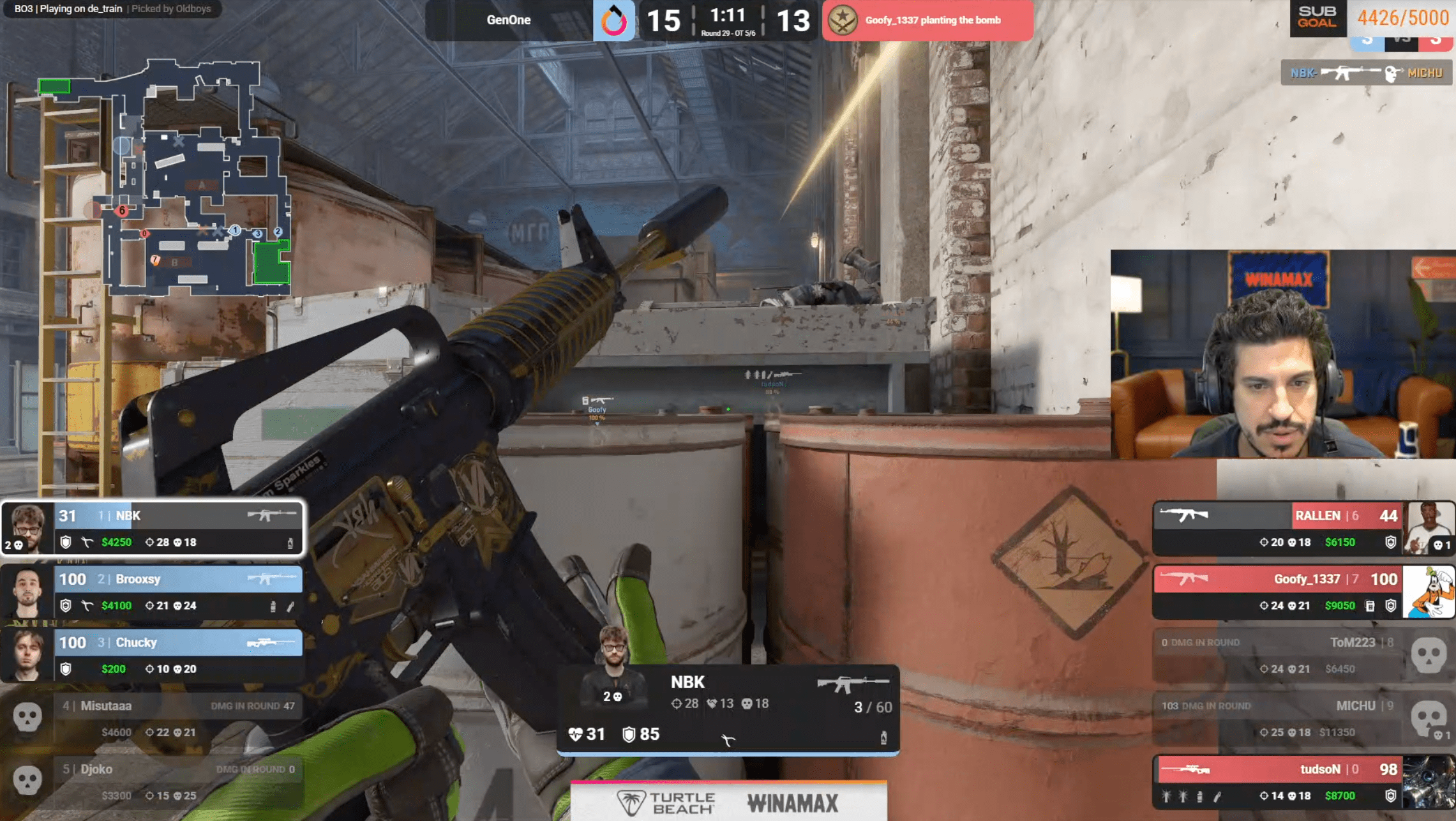
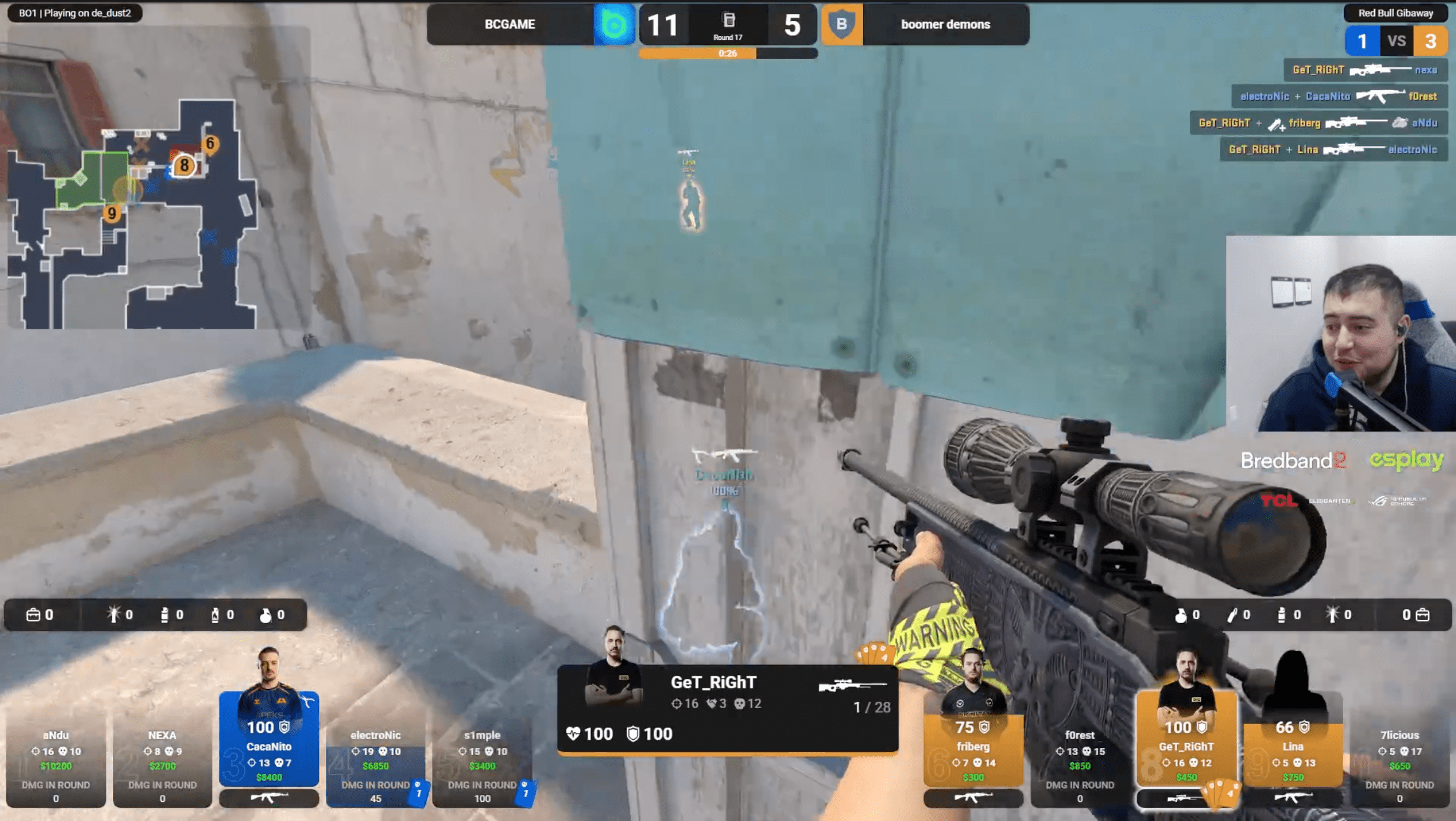
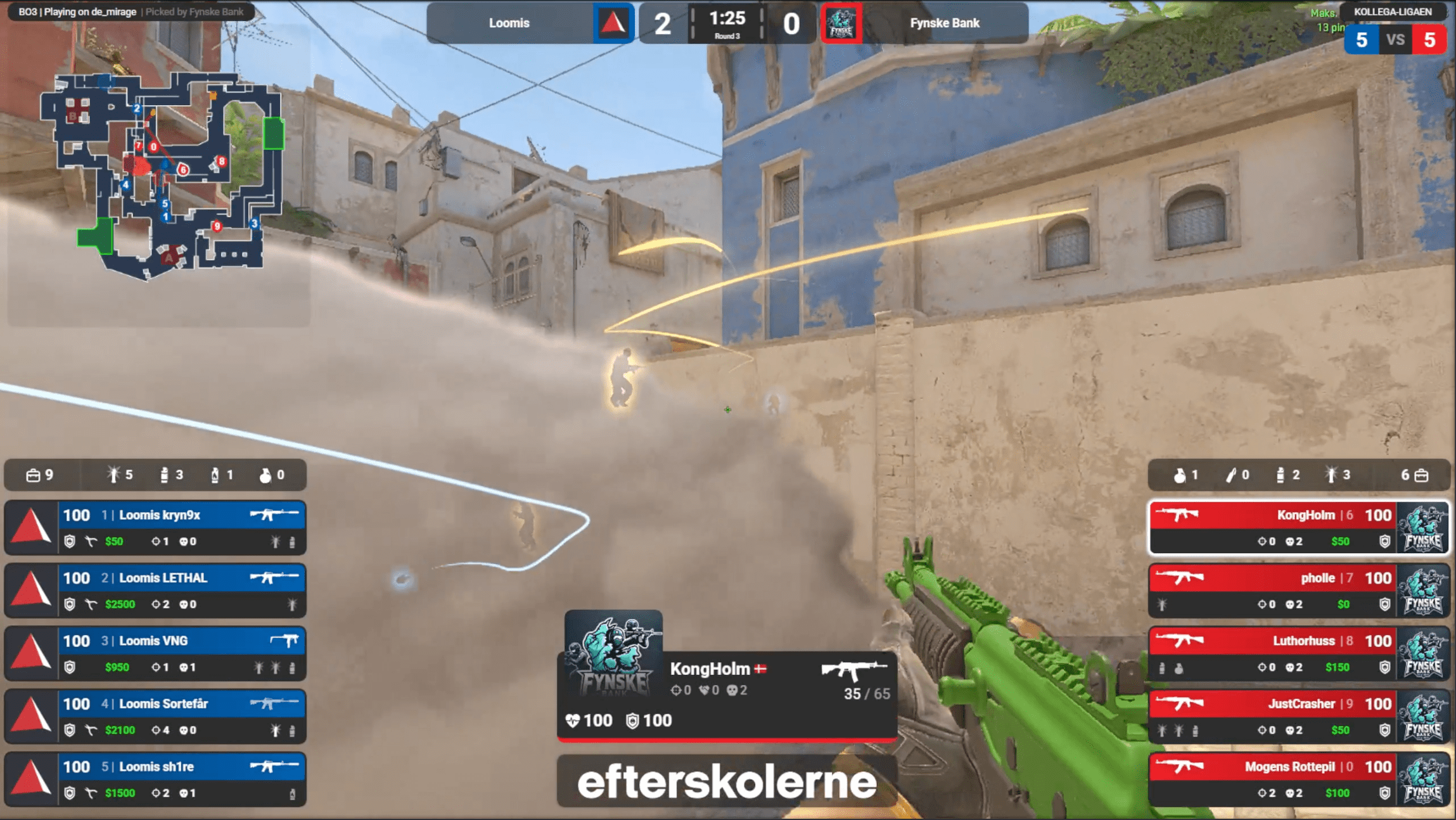
KRL using the MyHUD CS2 HUD on stream
Trottah using the MyHUD CS2 HUD on stream
Esportligaen using the MyHUD CS2 HUD on stream
CptJamesForce using the MyHUD CS2 HUD on stream
byali using the MyHUD CS2 HUD on stream
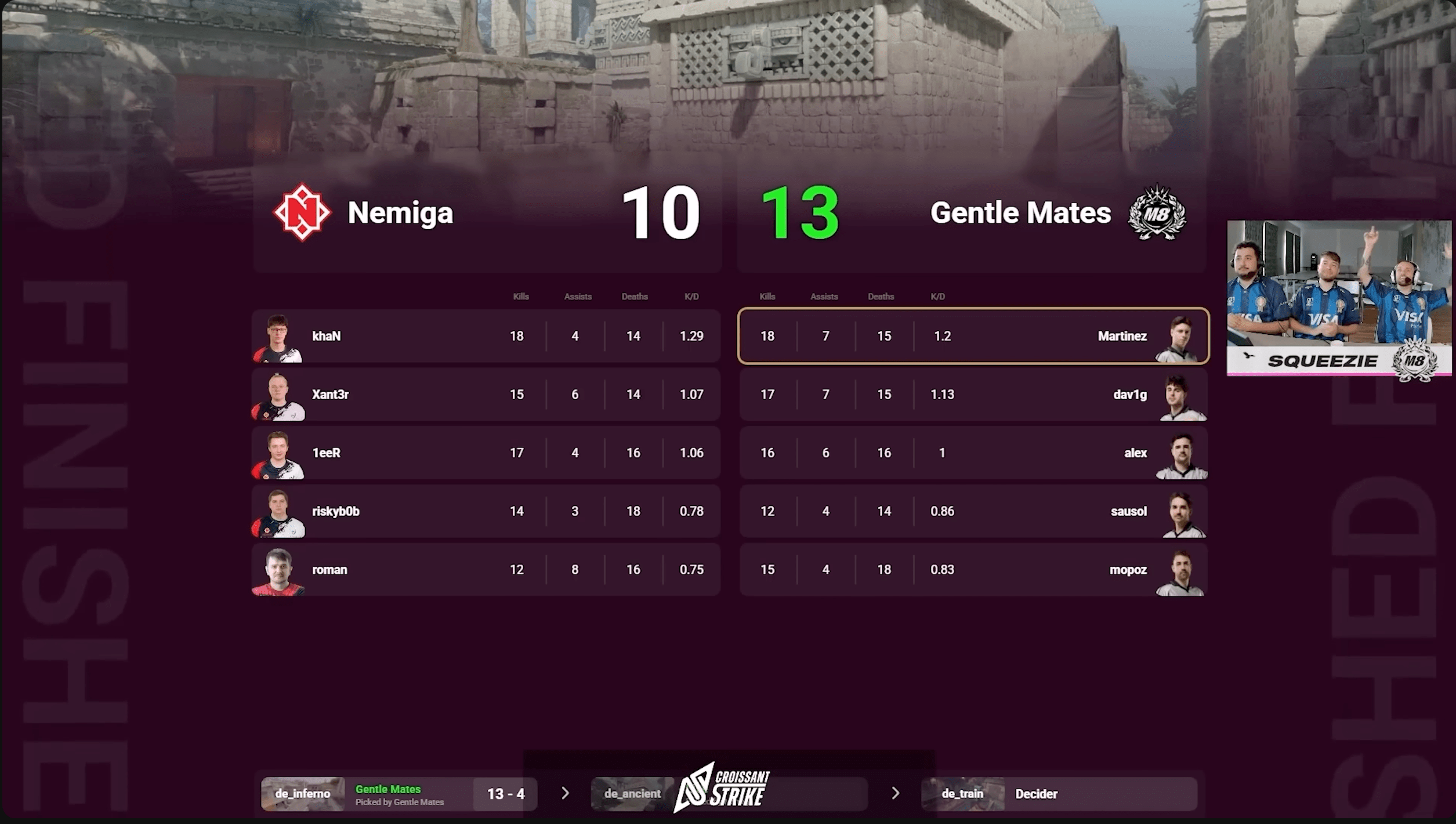
Squeezie using the MyHUD CS2 HUD on stream
CroissantStrike using the MyHUD CS2 HUD on stream

And many more! You could be next πŸš€

Get in touch

Let's Talk

We're always available on Twitter and Discord to answer your questions quickly. Feel free to reach out for any request or assistance!

FAQ

Questions & Answers

Everything you need to know about MyHUD

Yes to all three. MyHUD reads live game data directly from CS2, so it works the exact same way whether you're spectating a live match through GOTV/CSTV or watching a local demo (.dem) β€” no different setup either way. On top of that, match info (teams, logos, map veto) can be imported straight from FACEIT or other supported sources, or entered manually if you're running an unlisted match. πŸ”Œ

No! MyHUD works completely autonomously in the background, receiving events from your game. All you have to do is start the software and off you go. πŸ…

MyHUD uses an account-based system linked to your subscription. You can switch PCs on your own every 72 hours directly from your account, no support request needed! However, your subscription is personal and cannot be shared. πŸ”

We're not hiding anything! Go to your My Account section, in the software or on myhud.app, to unsubscribe. Your license will expire at the end of your current period. πŸ“‘

That goes without saying! We'll be happy to pass on every little pixel our team tweaks to you, so you can enjoy them as soon as possible. What's more, you can share your suggestions directly with us on discord. πŸ™